 English

$350.00


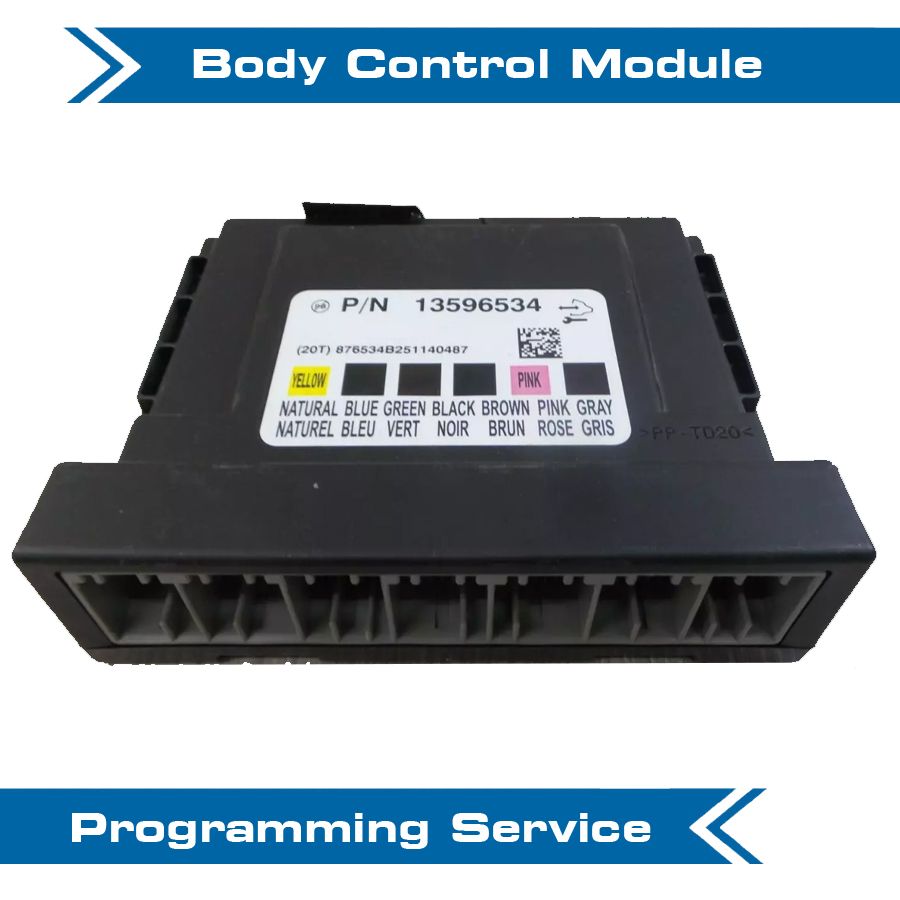
DIY VF BCM Custom Programming Kit — enable factory features and customise your existing VF Body Control Module: MRC disable, TPMS toggle, paddle shift, heated seats, fog lights, puddle lamps, BCM theft security lock and more.
Programming is performed using OBDSync on a Windows laptop with the supplied scantool and tokens — all done in your driveway. No need to remove or ship the BCM.
Please contact us before ordering if you’re unsure which features your build supports.
Unlock factory-disabled features on your existing VF Body Control Module — enable paddle shift, heated seats, fog lights, puddle lamps and more, or toggle MRC and TPMS to suit your build. DIY kit ships with an OBDSync scantool and the required token redemption serial, programmed in your driveway from a Windows laptop.
This service is for customising and enabling features on your existing working BCM — the module must already be fitted, communicating with the car and functioning normally before you can run this programming.
Replacing a faulty BCM? Use our VF BCM Programmed Replacement listing instead — it ships a brand new BCM pre-programmed to your VIN with the security & key data cloned across.
The Holden VF Body Control Module ships from the factory with a wide range of features enabled or disabled based on your specific build (Evoke, SV6, SS, SS-V, SS-V Redline, HSV variants etc). This kit lets you turn factory-disabled features on, or toggle vehicle-wide options like MRC and TPMS to suit your driving preferences and any modifications you’ve done.
Programming runs through OBDSync on a Windows laptop, plugged into your VF’s OBD-II port — the BCM stays in the car, no removal or shipping required.
These are the most popular BCM customisations our customers run. Other factory options may also be available on request — contact us before ordering to confirm support for your specific build:
For features like paddle shift, heated seats, fog lights and puddle lamps, the BCM only controls whether the feature is enabled in software — the physical hardware (switches, wiring, lamps, paddles, heating elements) must already be fitted to the car for the feature to actually work once enabled.
Tell us which customisations you want when ordering. We ship the OBDSync scantool together with a printed 4-token redemption serial covering all the changes.
Download & install OBDSync (Windows 10 / 11, 64-bit). Create or sign in to your OBDSync account, then enter your redemption serial to add the tokens to your own account.
Plug the scantool into your VF’s OBD-II port, select the features you want to toggle in OBDSync, and the BCM is reconfigured in minutes.
Watch the VF BCM programming process end-to-end with OBDSync — from connecting the scantool to selecting and applying the customisations:
Works on all Holden VF Commodore and HSV Gen-F vehicles (2013–2017) with the factory BCM still fitted and communicating:
OBDSync runs on Windows 10 or 11 (64-bit only). A laptop is recommended so you can sit in the car with the scantool plugged into the OBD-II port. A free USB-A port is required.
DIY kit only — customise your existing VF BCM from your driveway. Not for replacing a faulty BCM — use the BCM Programmed Replacement listing for that.
| Weight | 0.2 kg |
|---|---|
| Dimensions | 15 × 10 × 5 cm |