 English

$250.00


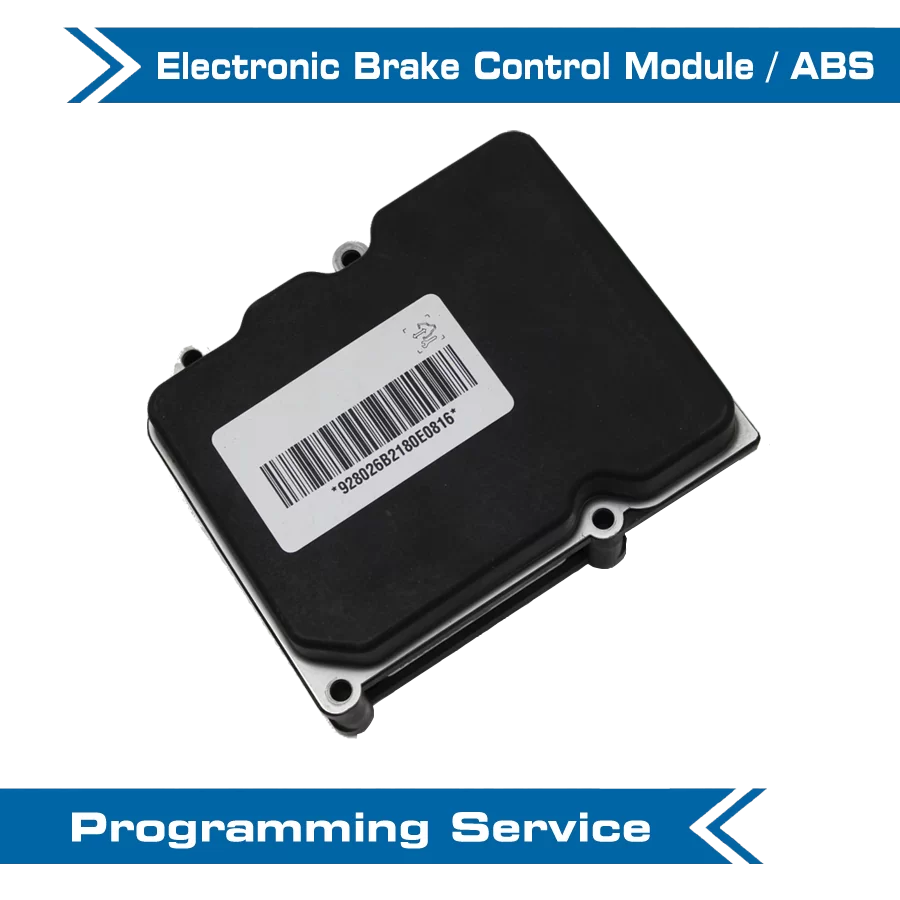
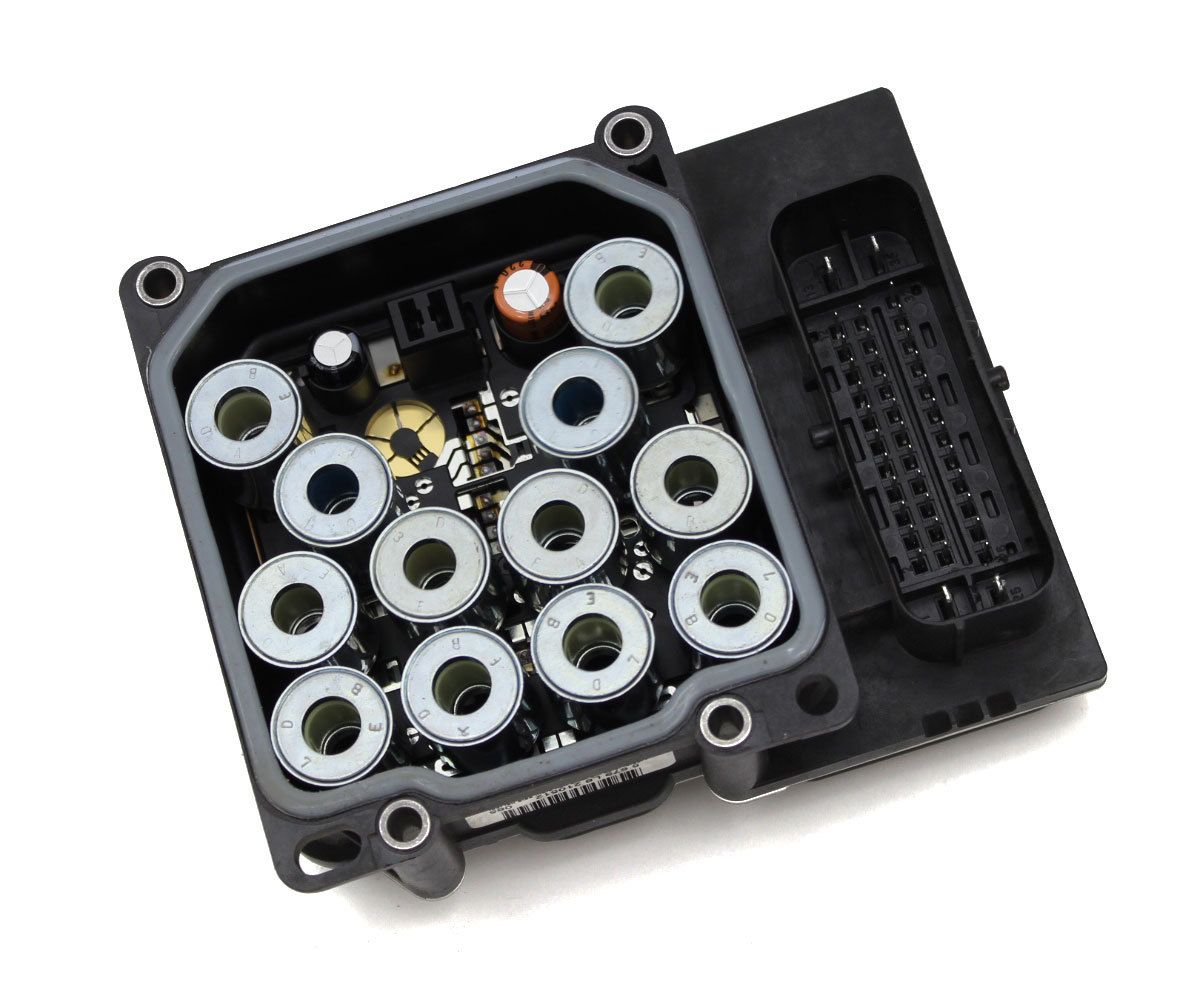
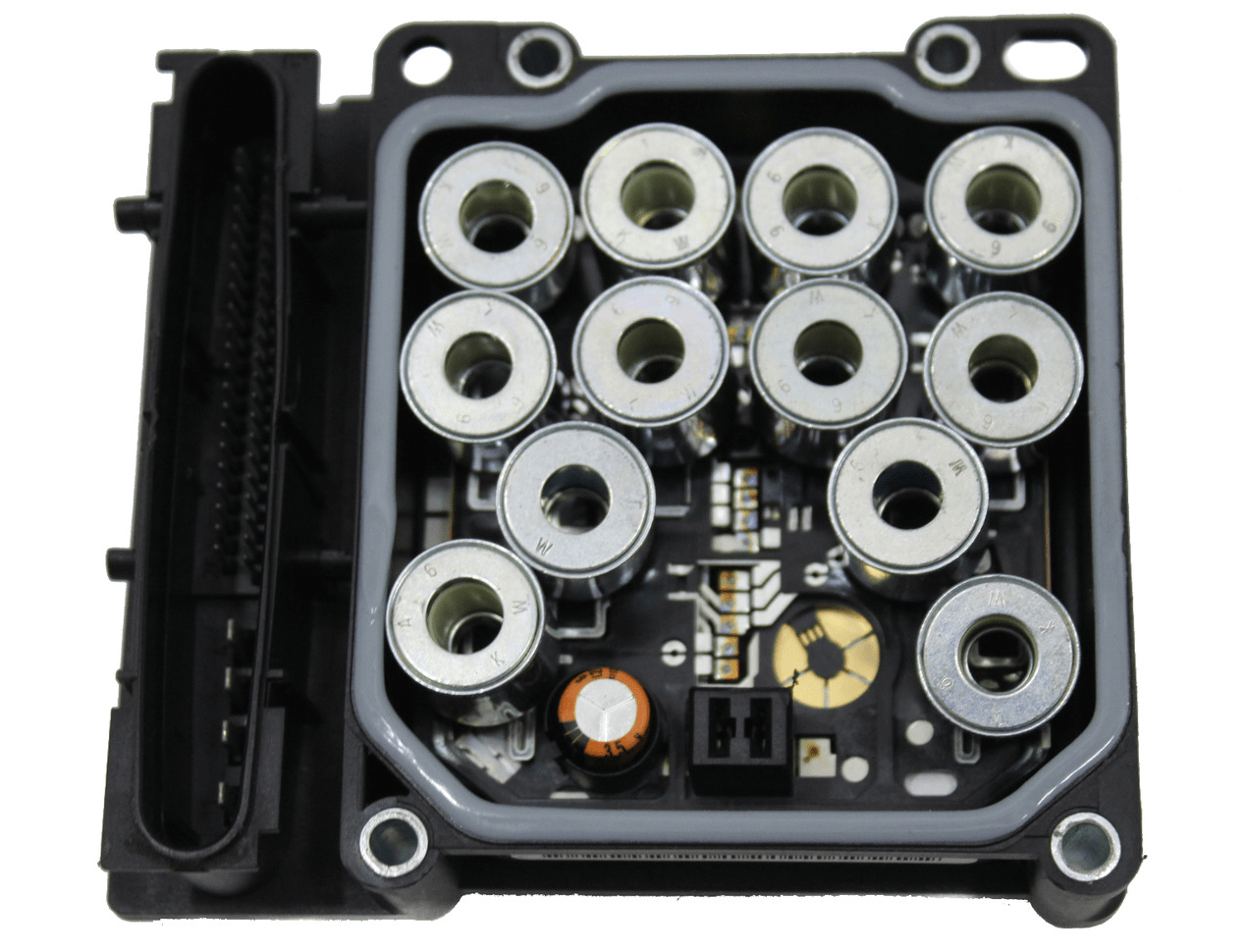
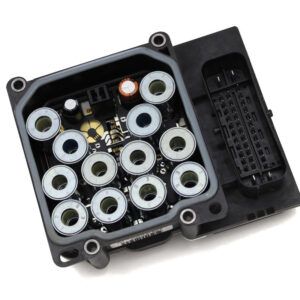
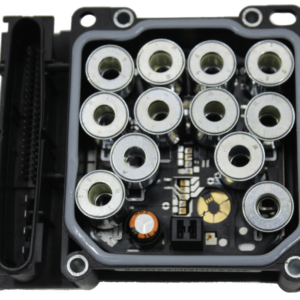
VIN-link a replacement Electronic Brake Control Module (EBCM) to your Holden VE or HSV E-Series — the programming required after fitting a second-hand EBCM to clear the ABS/ESP fault on the cluster.
DIY at home using the included OBDSync scantool and a 2-token redemption serial that you redeem onto your own OBDSync account. Plug in, follow the on-screen steps, and the new EBCM is bound to your VIN in minutes.
Important: Use a donor EBCM with the same part number (or a superseded part number) as your original — contact a parts outlet with your VIN to confirm the correct part number before fitting.
In stock
Clear the ABS / ESP fault on your dash after fitting a replacement second-hand Electronic Brake Control Module (EBCM). This DIY kit ships with an OBDSync scantool and a 2-token redemption serial (which you redeem onto your own OBDSync account), then lets you VIN-link the new EBCM at home from a Windows laptop — no shipping, no workshop visit.
Holden VE Electronic Brake Control Modules (EBCMs) — the ABS / ESP controller mounted under the bonnet at the master cylinder — are known to fail. The most common symptoms are ABS, traction control and stability warnings illuminated on the instrument cluster, and the module no longer responding to a scantool.
The fix is to fit a working second-hand EBCM. But the module is VIN-locked from the factory, so until it’s programmed to match your vehicle’s VIN, it will throw a VIN-mismatch fault and the ABS warning will stay on.
This kit provides everything you need to perform that VIN-linking yourself — the OBDSync scantool, a 2-token redemption serial, and the programming function. Done at home, in your driveway, in minutes.
The replacement EBCM must be the same part number as your original — or a superseded part number for that part. Contact a Holden dealer or parts outlet with your VIN to confirm the correct part number(s) for your vehicle before purchasing a donor unit.
Using the wrong part number may result in the EBCM not working once installed.
Note: A vehicle/data mismatch fault will always appear on a freshly fitted EBCM — this is normal regardless of the part number, and is cleared after the module has had its calibrations flashed and VIN security link performed.
Watch a full walkthrough of the OBDSync software and the VE EBCM VIN-match programming process:
Provide your VIN at checkout. We ship the OBDSync scantool together with a printed 2-token redemption serial.
Download & install OBDSync (Windows 10 / 11, 64-bit). Create or sign in to your OBDSync account, then enter your redemption serial to add the 2 tokens to your own account.
Plug the scantool into the vehicle’s OBD-II port, select the EBCM VIN-match function in OBDSync, and the new module is bound to your VIN in minutes.
Works on all Holden VE Commodore and HSV E-Series vehicles (2006–2013):
OBDSync runs on Windows 10 or Windows 11 (64-bit only). A laptop is recommended so you can sit in the car with the scantool plugged into the OBD-II port. A free USB-A port is required.
When you add this product to your cart you’ll be asked for your VIN so we can verify the kit is suitable for your vehicle. Your scantool and printed token redemption serial are dispatched once your order is processed — you then redeem that serial yourself inside OBDSync to apply the tokens to your account.
DIY kit only — no need to ship your EBCM anywhere. Program the new module from your driveway in minutes.
| Weight | 1 kg |
|---|---|
| car-model | Clubsport, Grange, GTS, Maloo, Senator, Commodore, Ute, Calais, Caprice, Statesman |
| car-year | 2013, 2012, 2011, 2010, 2009, 2008, 2007, 2006 |