

$300.00


DIY JG Cruze EBCM (ABS) Programming Service — security link a replacement Electronic Brake Control Module to your VIN and push the latest factory calibration updates.
Kit ships with an OBDSync scantool and 3-token redemption serial. Programmed in your driveway over OBD-II.
For all 2010 JG Cruze variants — covers ABS, traction control and electronic stability systems.
Security link a replacement Electronic Brake Control Module to your VIN and push the latest GM calibration updates. DIY kit ships with an OBDSync scantool and a 3-token redemption serial.
The EBCM controls ABS, traction control and stability. After replacement and security linking, a proper brake bleed procedure through the new module is required before driving. Reference the workshop manual or have it performed by a qualified technician.
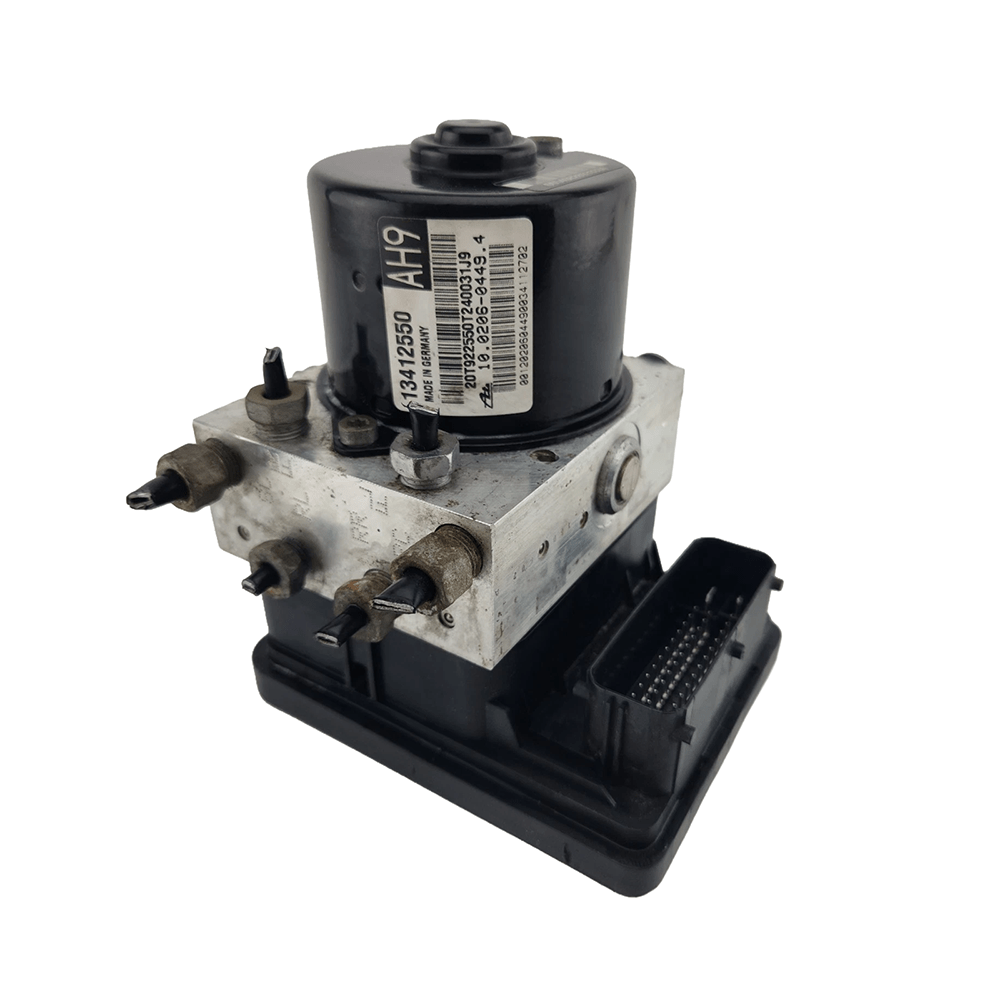
The Electronic Brake Control Module (EBCM) on your JG Cruze combines the ABS hydraulic control unit + brain that drives ABS, traction control and electronic stability. When replaced, the new unit needs to be security linked to your VIN and loaded with the correct factory calibrations before the brake systems will operate correctly.
All programming is done in the vehicle via OBD-II using OBDSync on a Windows laptop — no need to remove or ship the EBCM.
Provide your VIN at checkout. We ship the OBDSync scantool with a printed 3-token redemption serial.
Download & install OBDSync (Windows 10 / 11, 64-bit). Sign in and enter your redemption serial to add the 3 tokens.
Plug the scantool into your Cruze’s OBD-II port, select EBCM options in OBDSync, work completed in minutes.
Watch the full OBDSync DIY walkthrough for the JG Cruze Electronic Brake Control Module (EBCM) — security linking a replacement EBCM and flashing the latest factory calibrations, step by step.
Works on all Holden JG Cruze (2010-only) drivetrains. NOT compatible with 2011–2016 JH Cruze.
OBDSync runs on Windows 10 or 11 (64-bit only).
VIN required at checkout. Scantool and printed redemption serial dispatched once the order is processed.
DIY kit only — pair in a replacement EBCM from your driveway.
| Weight | 0.2 kg |
|---|---|
| Dimensions | 15 × 10 × 5 cm |