
$250.00


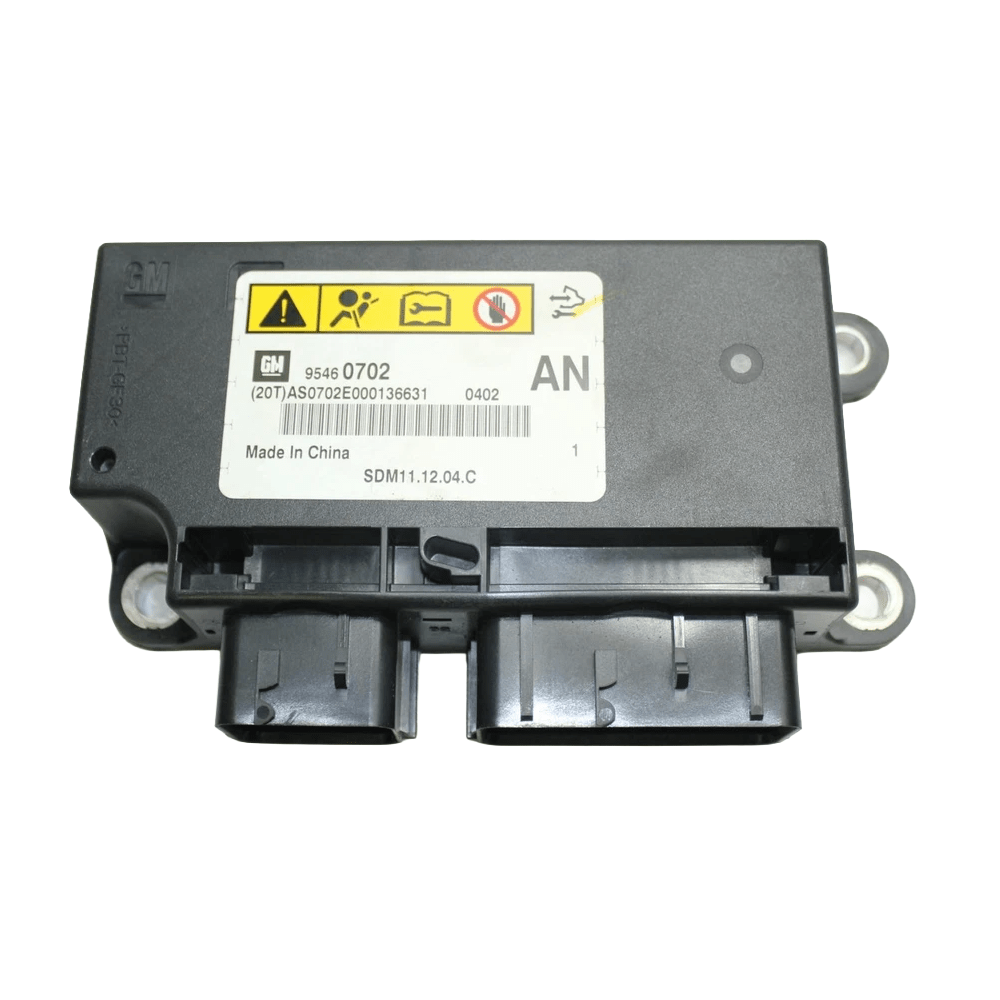
DIY CG1 Captiva SDM (Airbag) Programming Service — security link a replacement Sensing and Diagnostic Module, configure airbag options, run the yaw rate sensor learn, push factory calibration updates.
Kit ships with an OBDSync scantool and 2-token redemption serial. Programmed in your driveway over OBD-II.
⚠️ The SDM controls the SRS (airbag) system. Disconnect the battery, wait for capacitor discharge, and follow proper SRS-safe procedure. If unsure, refer this work to a qualified technician.
Security link a replacement Sensing and Diagnostic Module (SDM) to your VIN, configure airbag / occupant detection options, run the yaw rate sensor learn, and push the latest GM calibration updates. DIY kit ships with an OBDSync scantool and a 2-token redemption serial.
The SDM is the brain of the Supplemental Restraint System (SRS) — it fires the airbags and pretensioners in a crash. Incorrect handling can cause unintended airbag deployment or leave the system disarmed in a real crash.
Envyous Customs is not liable for damage, injury or non-deployment resulting from improper SRS service.
The Sensing and Diagnostic Module (SDM) — commonly called the airbag module — is the central controller for the Supplemental Restraint System on your CG1 Captiva. It reads inputs from impact sensors, occupant detection, seatbelt buckles and crash-severity sensing, and fires the airbags & pretensioners when needed. When the SDM is replaced (after deployment, fault or accident damage), the new unit needs to be security linked to your VIN, configured for your option set, have the yaw rate sensor relearned, and loaded with the latest calibrations before the SRS will arm.
All programming is done in the vehicle via OBD-II using OBDSync on a Windows laptop — no need to remove or ship the SDM.
Provide your VIN at checkout. We ship the OBDSync scantool with a printed 2-token redemption serial.
Download & install OBDSync (Windows 10 / 11, 64-bit). Sign in and enter your redemption serial to add the 2 tokens.
Battery disconnected + 60s capacitor discharge before any SRS handling. Plug in scantool, run SDM Cal / Security / Options / Yaw Learn.
Watch the full OBDSync DIY walkthrough for the Captiva Sensing and Diagnostic Module (SDM / Airbag) — security linking a replacement SDM, configuring options, running the yaw rate sensor learn, and flashing the latest calibrations, step by step. The same procedure applies to both CG1 and CG2 Captiva SDMs.
Works on all CG1 Captiva models (2007–2010).
OBDSync runs on Windows 10 or 11 (64-bit only).
VIN required at checkout. Scantool and printed redemption serial dispatched once the order is processed.
⚠️ Treat the SRS system with respect — if in doubt, refer to a qualified workshop.
| Weight | 0.2 kg |
|---|---|
| Dimensions | 15 × 10 × 5 cm |