 English

$250.00

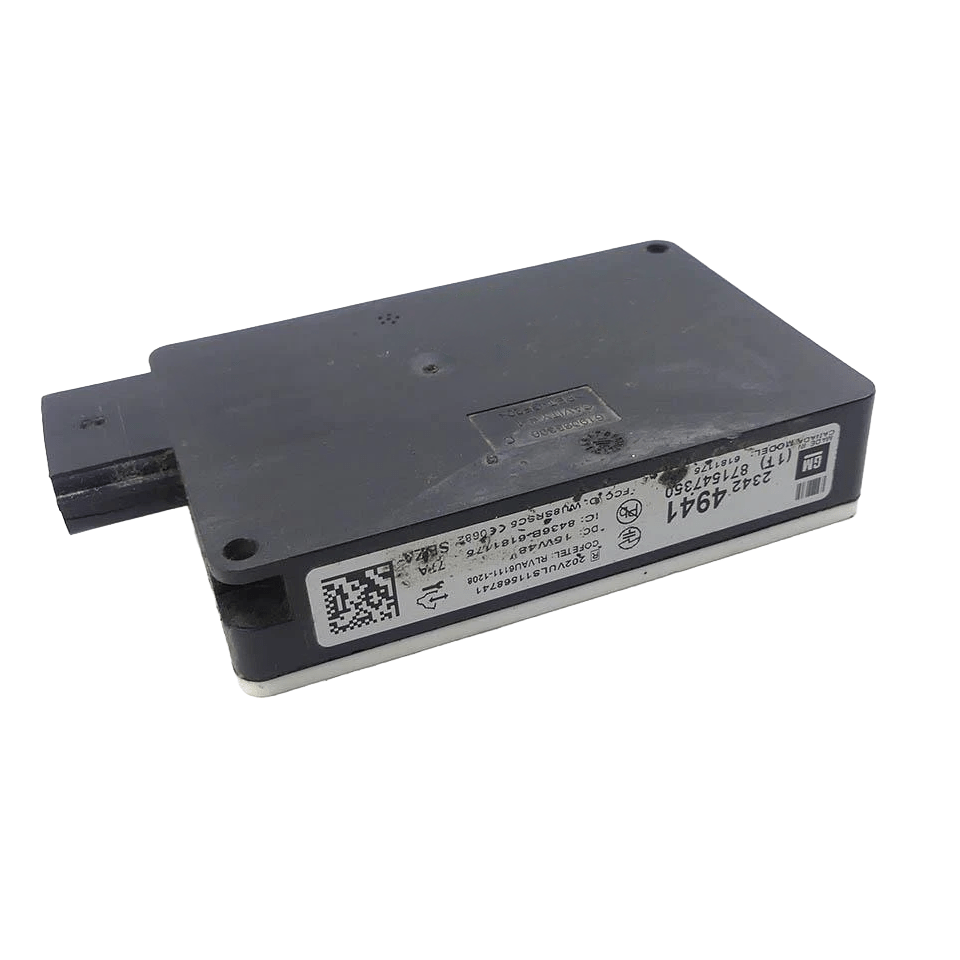
Program your Chevrolet SS (2013–2017) Side Object Module Left (SOML) at home — flash latest factory calibrations and VIN-security-link a replacement driver-side blind-spot radar. DIY OBDSync kit — includes the scantool plus 2 tokens.
For factory Side Blind Zone Alert / Lane Change Alert. See the separate SOMR listing for the right-side module.
Flash the latest factory calibrations to your Chevrolet SS Left Side Object Module (the driver-side blind-spot radar) and VIN-security-link a replacement. We ship you an OBDSync scantool plus 2 tokens so you can complete the programming yourself — and unlock dozens of other SS module functions too — from home.
The Side Object Module Left (SOML) in your Chevrolet SS is the driver-side rear-bumper radar that drives the Side Blind Zone Alert (BSA) warning lamp in the door mirror and the Lane Change Alert function. When you fit a replacement or second-hand SOML, it must be VIN-security-linked to your vehicle and the latest calibrations flashed before the blind-spot warning will operate.
This is a DIY kit. We ship you an OBDSync scantool plus the tokens needed to license the module — you run the programming yourself at home using a Windows laptop, and the module never has to leave your vehicle.
Same kit, more capability: the OBDSync software also programs the BCM, IPC, ECM, TCM, ABS/EBCM, Mylink radio, HVAC and other SS modules — including the right-side SOMR. Each additional module is licensed separately with its own tokens, and some modules need more than one token (tokens are $50 each), so once you’ve got the kit you can take care of future programming any time — just add the tokens you need.
This kit unlocks the full set of Side Object Module Left functions available through OBDSync for your Chevrolet SS (2013–2017):
Suits Chevrolet SS Sedan models built between 2013 and 2017 fitted with factory Side Blind Zone Alert:
We post you the OBDSync scantool along with the tokens needed to license your SOML. Plug it into your car’s OBD-II port, connect to a Windows laptop, and follow the on-screen prompts.
The hardware that connects to your car’s OBD-II port and talks to your laptop. Yours to keep for future diagnostic and programming work.
Universal OBDSync tokens used to license your module. The SOML needs 2 tokens — exactly what’s included. Want to program another module later? Add more tokens at $50 each; some modules need more than one.
Watch the full OBDSync DIY walkthrough for the Chevrolet SS (2013–2017) Side Object Module Left (SOML) — calibration flash and VIN-security-link for the driver-side blind-spot radar, step by step.
You will need a laptop running 64-bit Windows 10 or 11 to run the OBDSync software. The software does not run on macOS, Linux, ChromeOS or mobile devices.
When you add this product to your cart you’ll be asked to enter your vehicle’s 17-character VIN. We’ll contact you after your order if there are any other questions.
This listing is for the DIY programming kit only — no Side Object Module is supplied.
| Weight | 0.2 kg |
|---|---|
| Dimensions | 15 × 10 × 5 cm |